Homarr is a sleek, customizable dashboard designed to centralize access to your self-hosted apps and services. It’s built for simplicity, visual appeal, and deep integration with popular tools like Plex, Sonarr, Radarr, and more.
sudo apt update && sudo apt upgrade -ycurl -fsSL https://get.docker.com -o get-docker.sh sudo sh get-docker.sh
sudo apt install docker-compose-pluginsudo usermod -aG docker $USERsudo systemctl enable dockersudo rebootdocker run hello-worldmkdir ~/docker mkdir ~/docker/homarr
In ~/docker/homarr create docker-compose.yml
  services:
  homarr:
    container_name: homarr
    image: ghcr.io/homarr-labs/homarr:latest
    platform: linux/arm64
    restart: unless-stopped
    volumes:
      - /var/run/docker.sock:/var/run/docker.sock # Optional, only if you want docker integration
      - ./homarr/appdata:/appdata
    environment:
      - SECRET_ENCRYPTION_KEY=fb689cb18133a07f24c10f7550c894e0be7bbfcb76405b90d55aca7d47276c1f
    ports:
      - '7575:7575'
From within ~/docker/homarr run:
docker compose up -d
You should get an email from Watchtower pretty quickly.
docker logs homarr
I'll walk through creating integrations for qBittorrent, Plex, and pihole
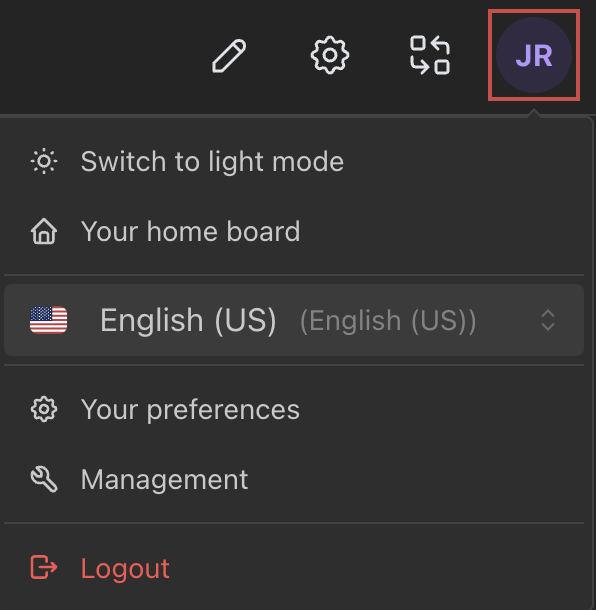
Start by clicking on your initials in the upper righ-hand corner (in my case, JR)
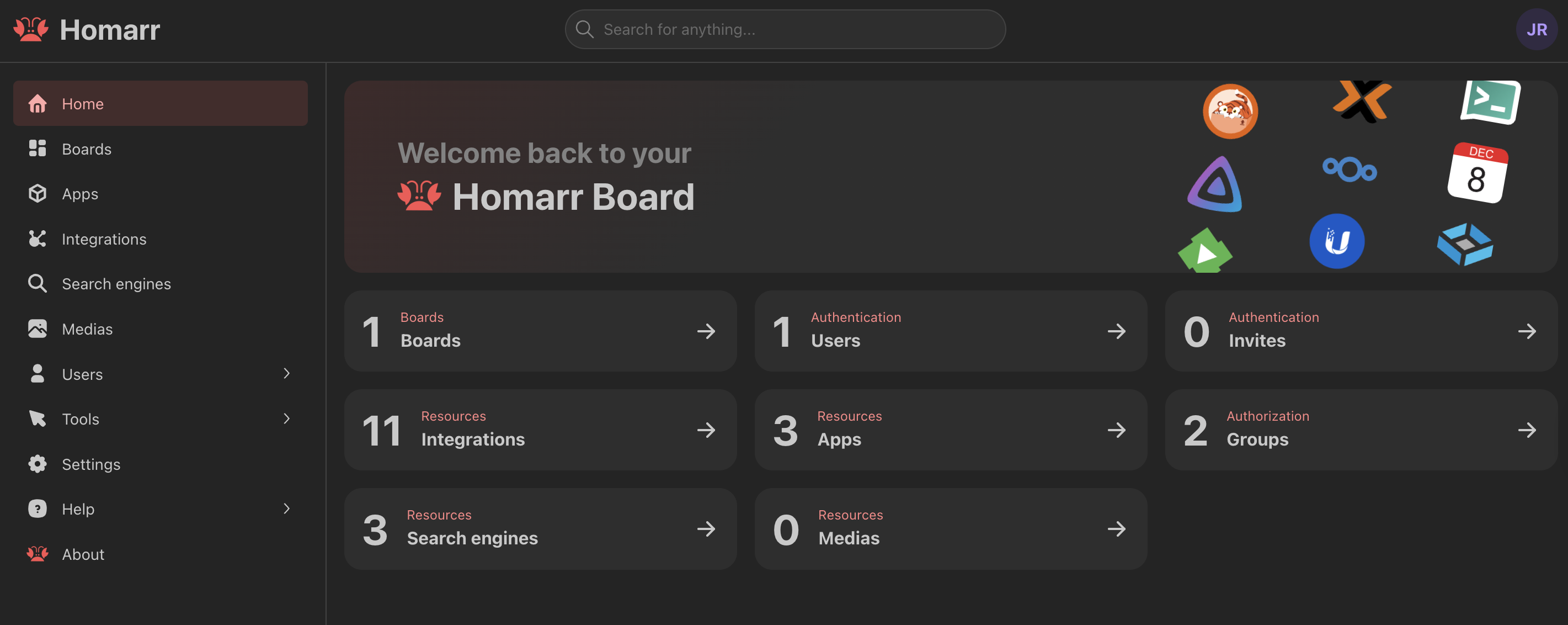
Now click on Management
Click on Integrations
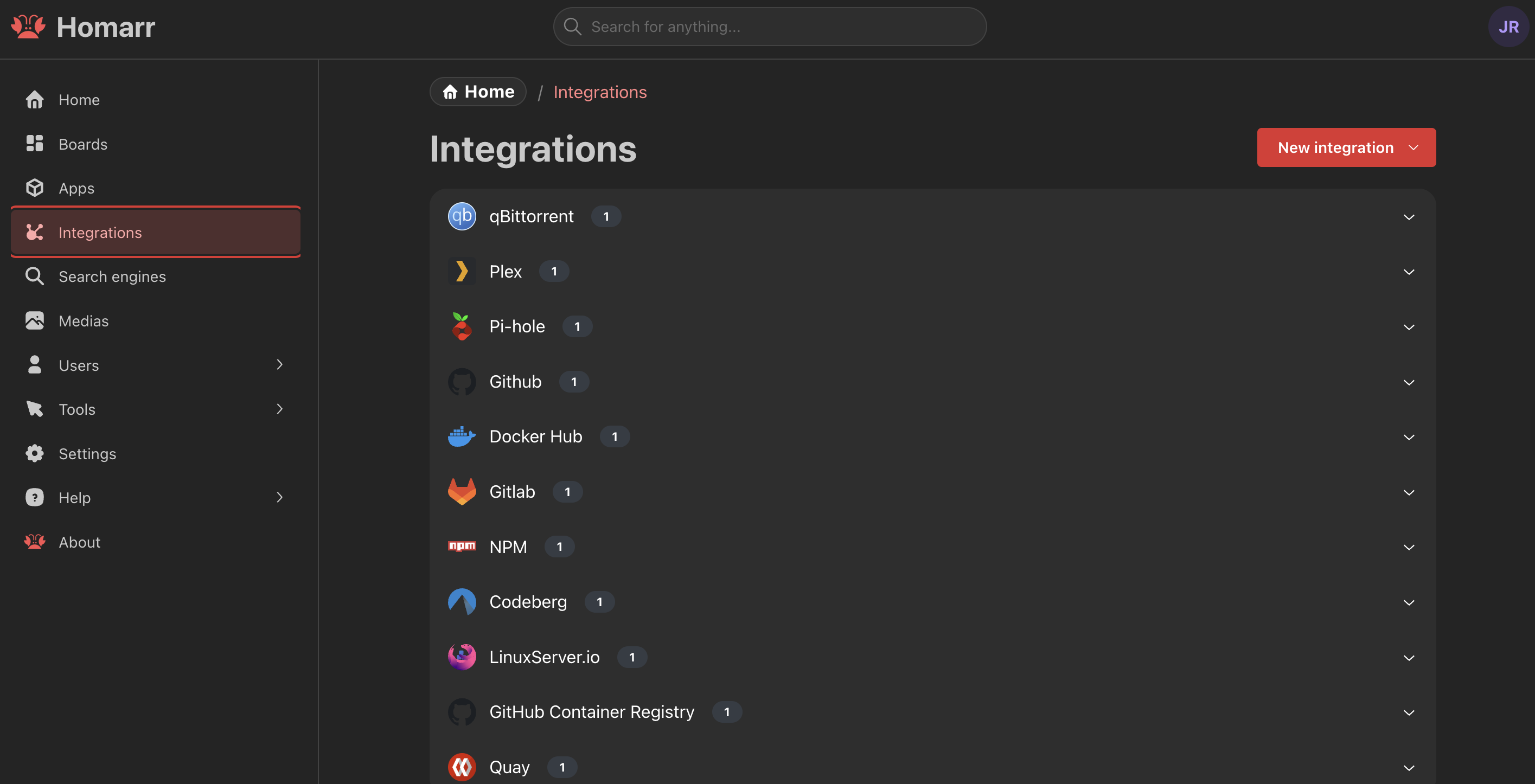
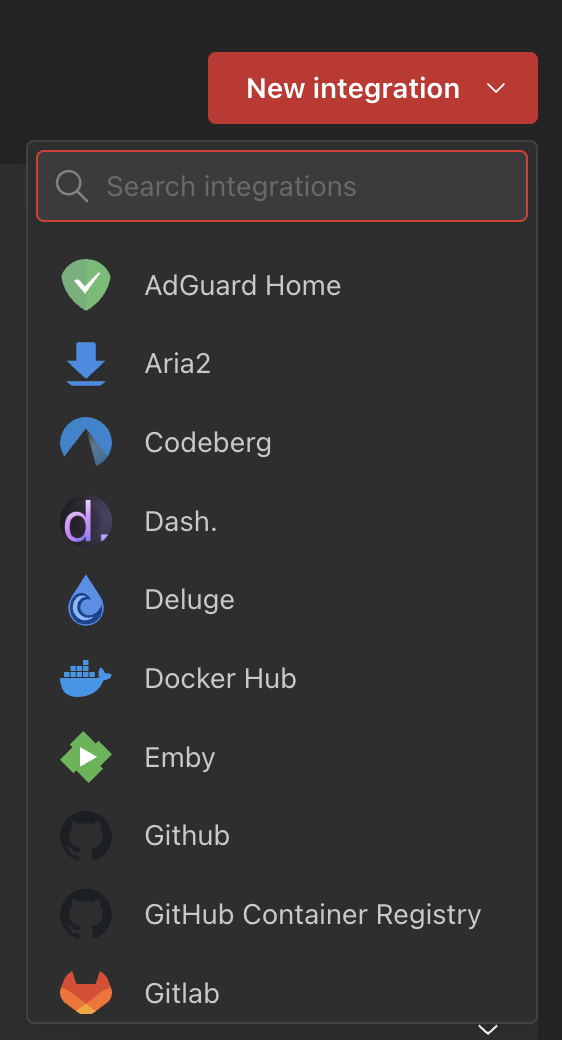
Click on New Integration and select qBittorrent
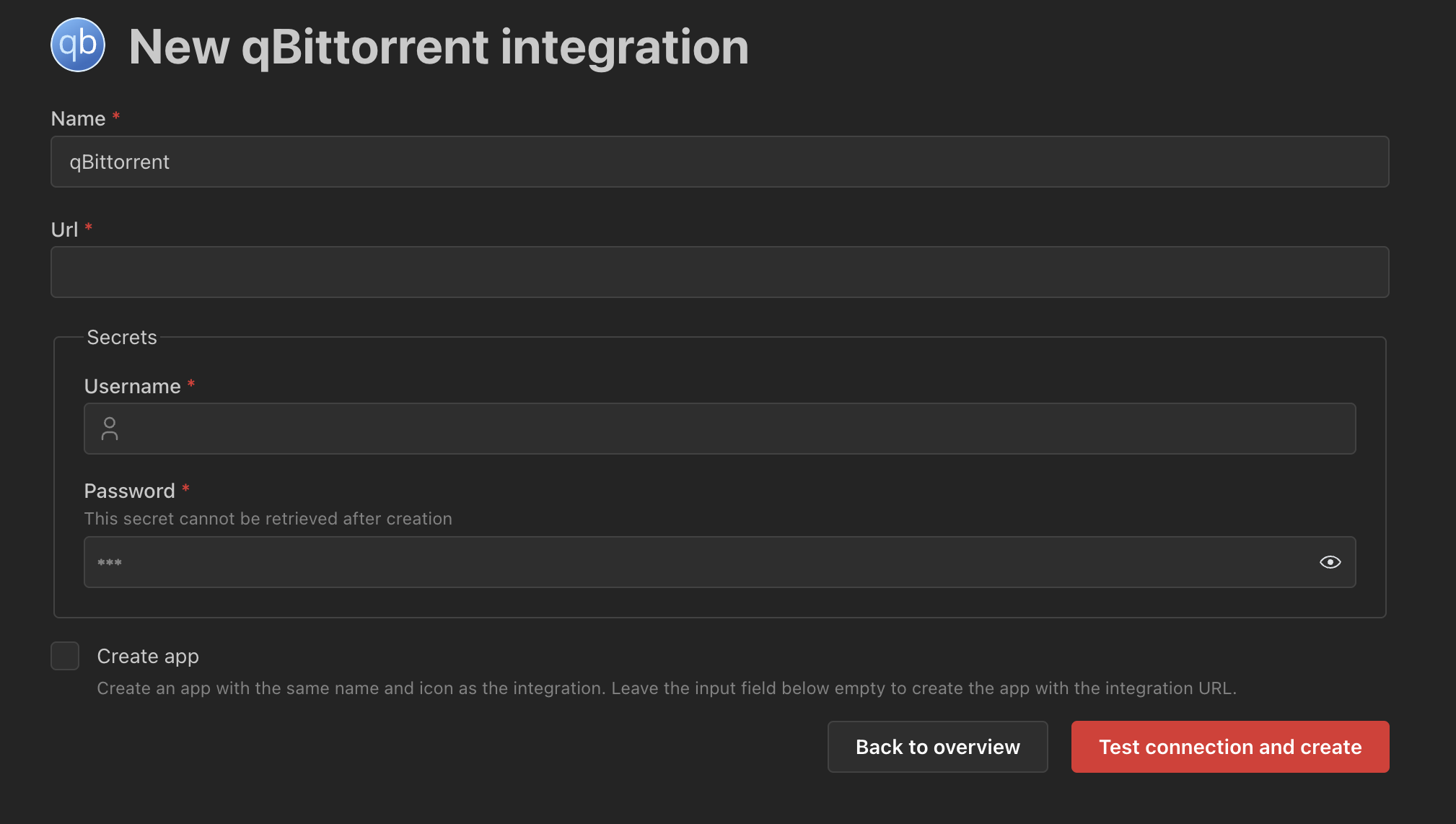
This screen will open. Fill in the URL (ex. http://192.186.xx.xx:8080), Username for qBittorent, and Password. Click on "Test connection and create"
Now go to your board and click on the pencil in the upper righthand corner and click on the +.
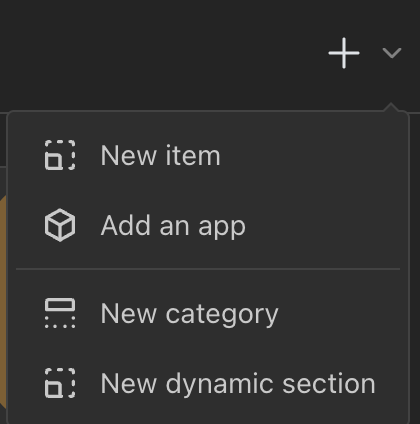
Click on New item.
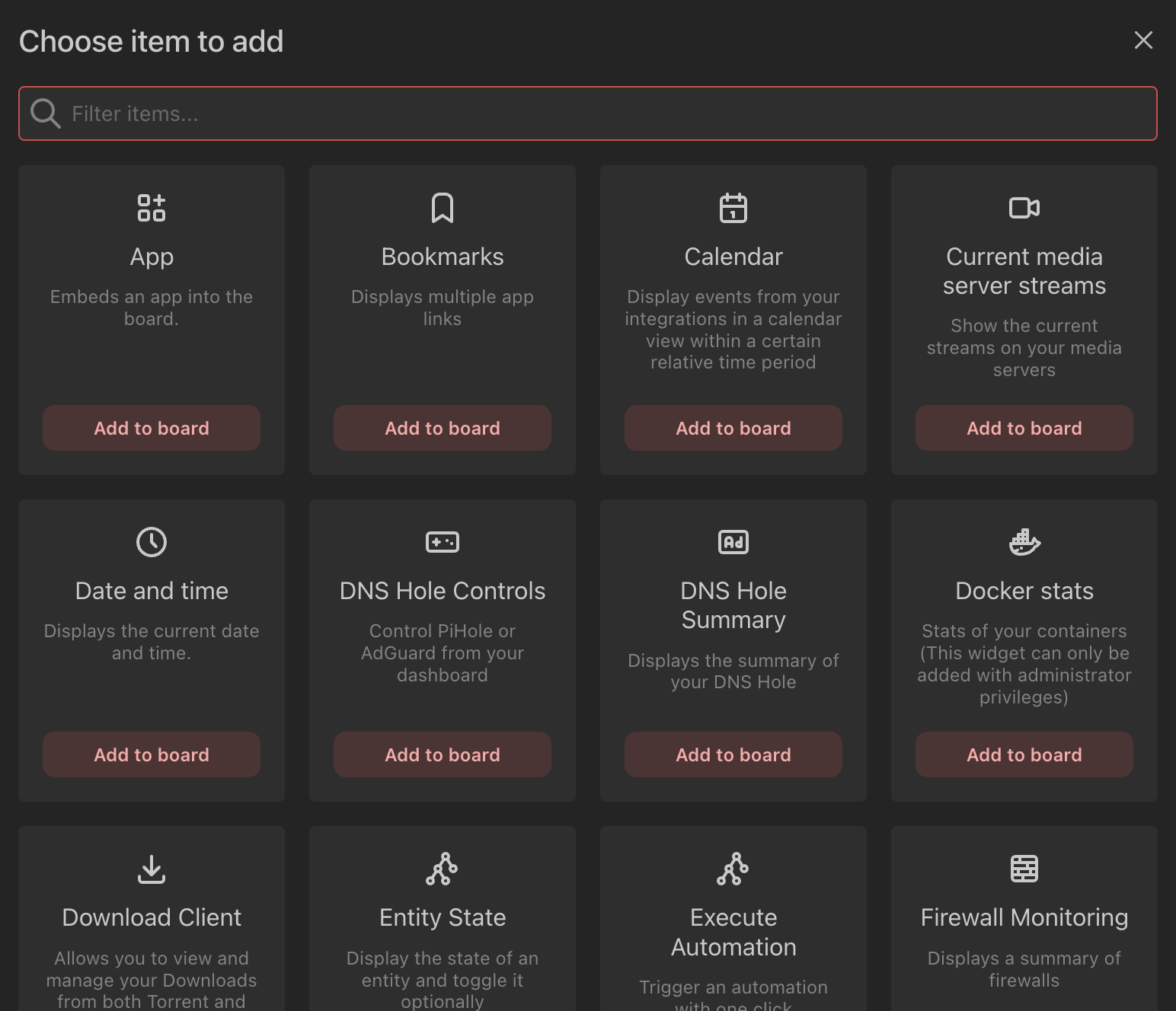
Click on Download Client.
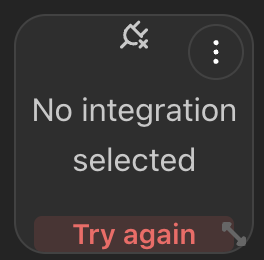
Click on the three dots.
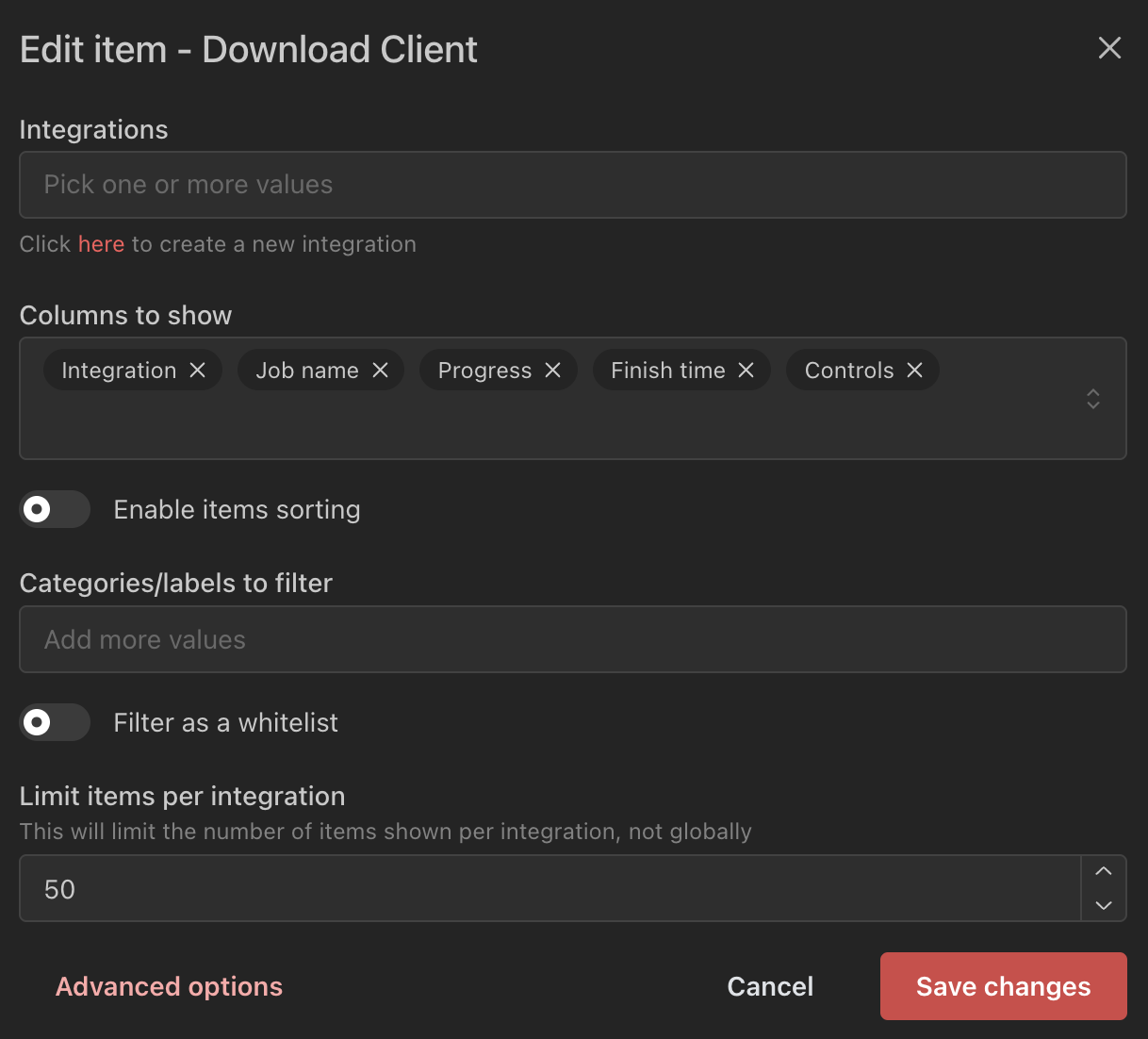
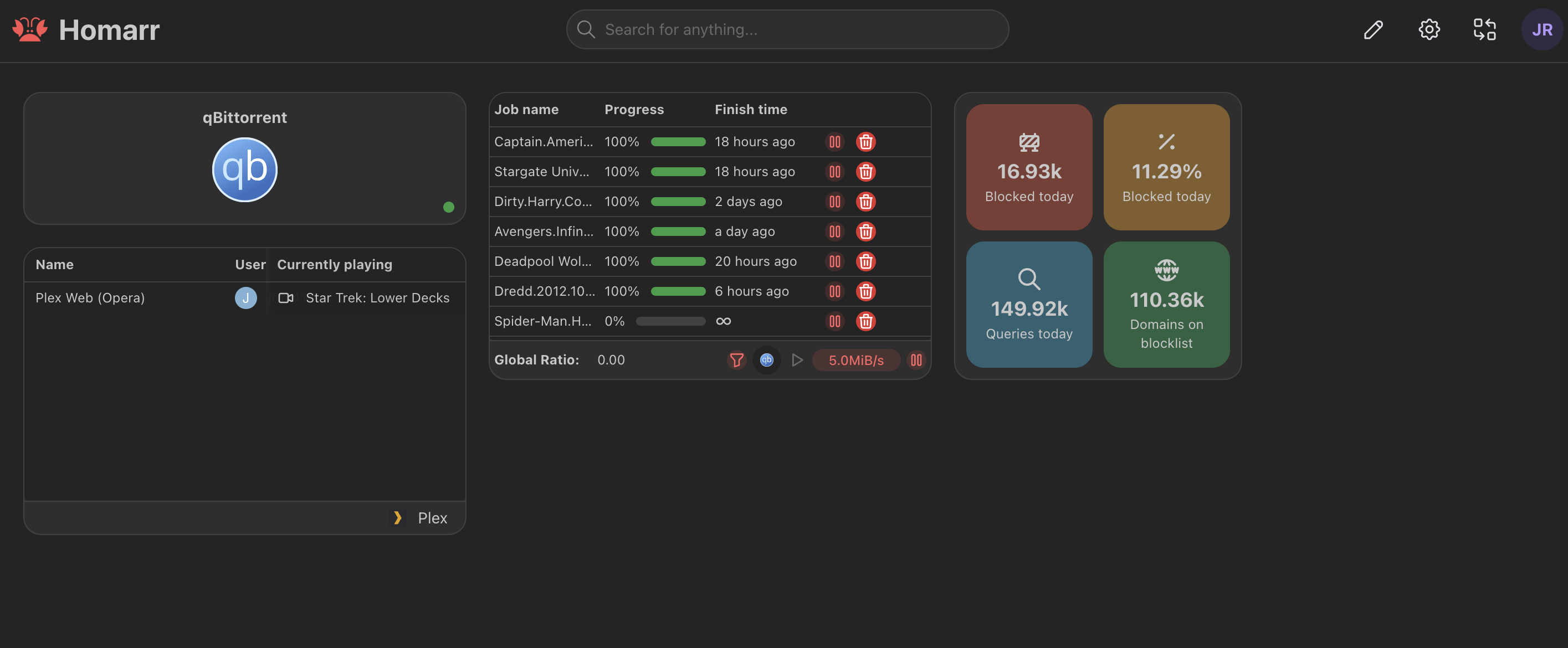
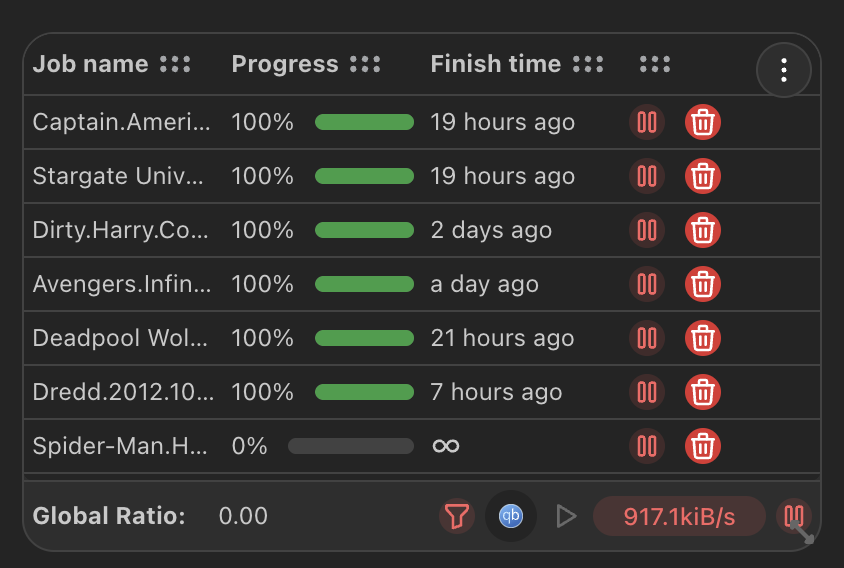
Select qBittorrent in the Integrations field and click on Save changes. You should now see something like this on your board.
Repeat the above steps for Plex. For Plex, you'll need an API Token. You get that by browsing to your Plex server. Open Developer Tools. Go to the Network tab and search for X-Plex-Token. Open one of the packets and copy the value for X-Plex-Token. It will look something like 5QM_-NtXu_eEBjsVqrwo.
Repeat the above steps for pihole. You'll also need an API Token. You get that by browsing to your pihole server, click on Settings, Web Interface/API. Click on Configure app password and the copy the password. Use that for your API Token. ,/p>
If you find my content useful, please consider supporting this page: